Weekly timesheet
One week on one A4 page.
7 daily rows · 1 pageFREE TIMESHEET TEMPLATES
Choose weekly, fortnightly or monthly. Use the Excel hours calculator or print a PDF for handwritten records.
No account. No email address. No payment.
Print at actual size on A4 paper. Monthly sheets include both halves of the month; leave unused dates blank.
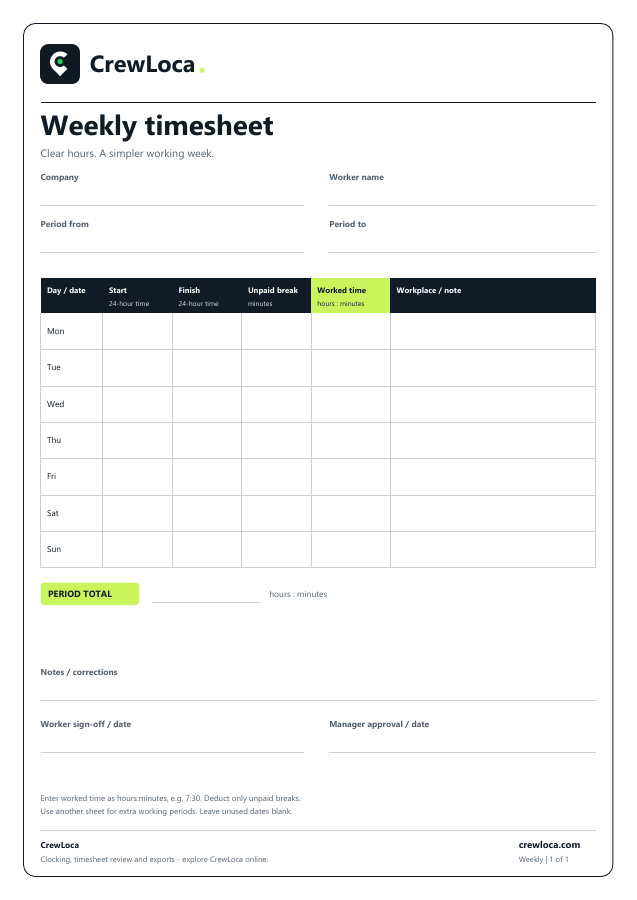
For split shifts or extra working periods, use another sheet and total each period once. PDFs are blank forms. Excel workbooks calculate elapsed hours less unpaid breaks and flag incomplete or invalid entries; review the result before using it. Neither format is payroll software or a guarantee of legal compliance.
How to calculate work hours and unpaid breaks →WHEN YOU’RE READY TO GO DIGITAL
CrewLoca brings personal clocking, shared kiosks, corrections, approvals and approved-hours exports together.
Explore CrewLoca →The templates are free for your business use. Keep the CrewLoca attribution when sharing the original files. The CrewLoca app is a separate subscription; customer trials are not open yet.