On a personal device
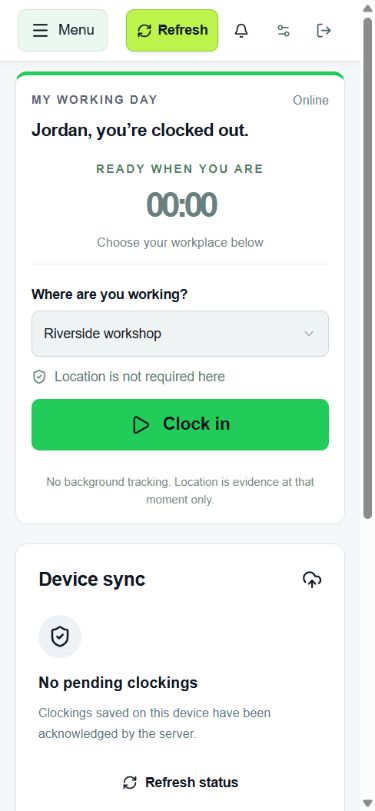
Clock in from a supported phone or computer. Choose workplace geofencing, location recording or no location requirement.
STAFF TIMEKEEPING, MADE SIMPLE
Easy for your team to use, even if technology isn’t their thing. Staff clock in and out. You review the hours and export approved timesheets for payroll.
Register launch interestNo pushy sales calls. No hidden enterprise tiers.
30-day free trial at launch. No credit card required.
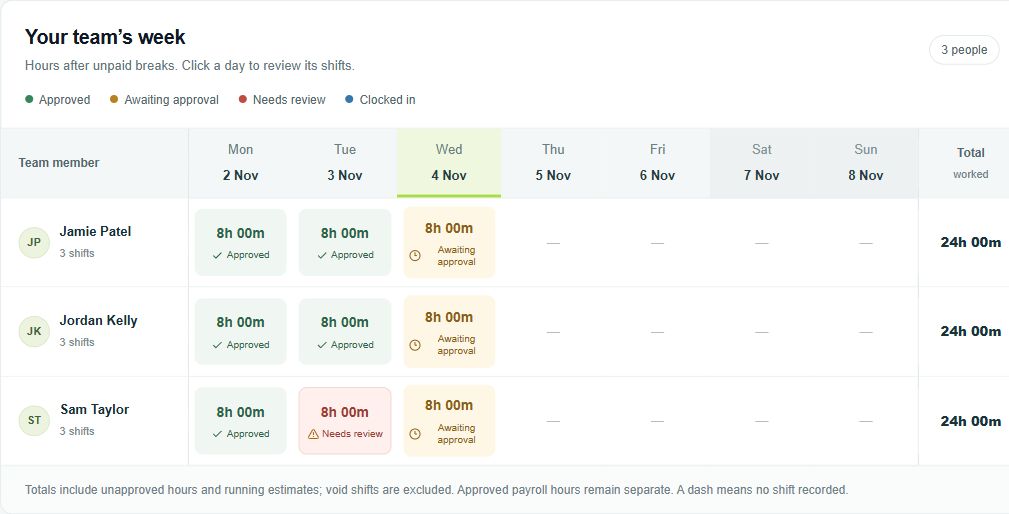
Staff record starts, finishes and breaks as they happen.
Check exceptions and correction requests before approving timesheets.
Download approved hours as a spreadsheet, CSV or printable report.
New to CrewLoca? Follow the setup guides. Your payroll process calculates and pays wages.
2–6 November · Riverside workshop · fictional records
| Person | Shifts | Total hours | Unpaid breaks | Payable hours |
|---|---|---|---|---|
| Sam Taylor | 5 | 42.50 | 2.50 | 40.00 |
| Jordan Kelly | 5 | 40.00 | 2.50 | 37.50 |
Decimal hours, ready for your payroll process. This preview shows key columns; the CSV includes location, email, period and approved overtime too. CrewLoca does not calculate wages.
Download the example CSV →Clock in from a supported phone or computer. Choose workplace geofencing, location recording or no location requirement.
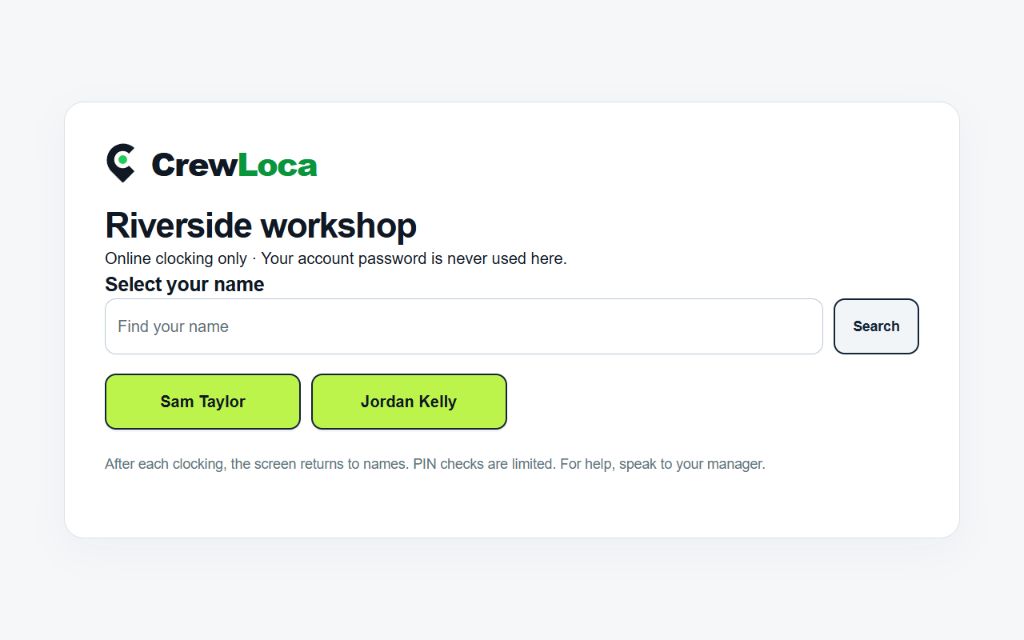
Staff select their name, enter their four-digit PIN and tap Clock in or Clock out. No personal phone needed.
ONE PLAN
£14.99 / month
Includes 10 active accounts.
£1.49 per additional account.
Enabled owners, managers, workers and payroll viewers all count. Pending invitations, suspended accounts and removed people do not.
After the 30-day free trial: one monthly plan. No card needed to try. Prices exclude VAT where applicable.
Calculate your team’s priceWant to explore the time you could save? Try the savings calculator.
Find a clear answer in the Help Centre, or ask us by email.
No. A shared Android kiosk lets staff select their name and use an individual four-digit PIN. Owners manage the tablet and can revoke its access. See the kiosk setup.
No. Where required, location is checked at clocking actions, not continuously. Device permissions and GPS accuracy still affect those checks. Read about privacy and security.
You can export approved hours to Excel, CSV or a printable report. Check the columns against your payroll process. CrewLoca does not calculate wages or taxes, and file exports are not direct payroll integrations.
The trial lasts 30 days with no credit card required. Add payment details only if you choose to continue. Without a payment method, it ends without a subscription charge. Read the pricing and trial details.
BE FIRST TO HEAR
Get the launch email and try CrewLoca free for 30 days. No card required.
Joining the list is free. You decide whether to start a trial when it opens.